How to change SmartHub region on Smart TV Samsung E
- Sign in SmartHub;
- Sequentially on the remote press: rewind >> 2-8-9 rewind <<
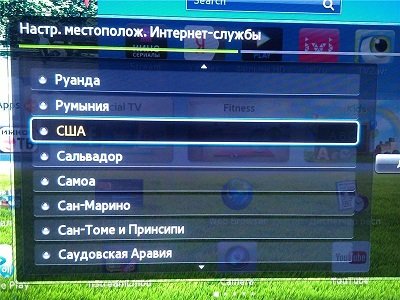
- A list of countries:
- Select the country you want.
- Agree with the policy of confidentiality.
Automatically install the necessary widgets and Samsung APPS widgets appear in the selected region for manual installation.
SmartHUB
